There are some important items to go over before you get started.
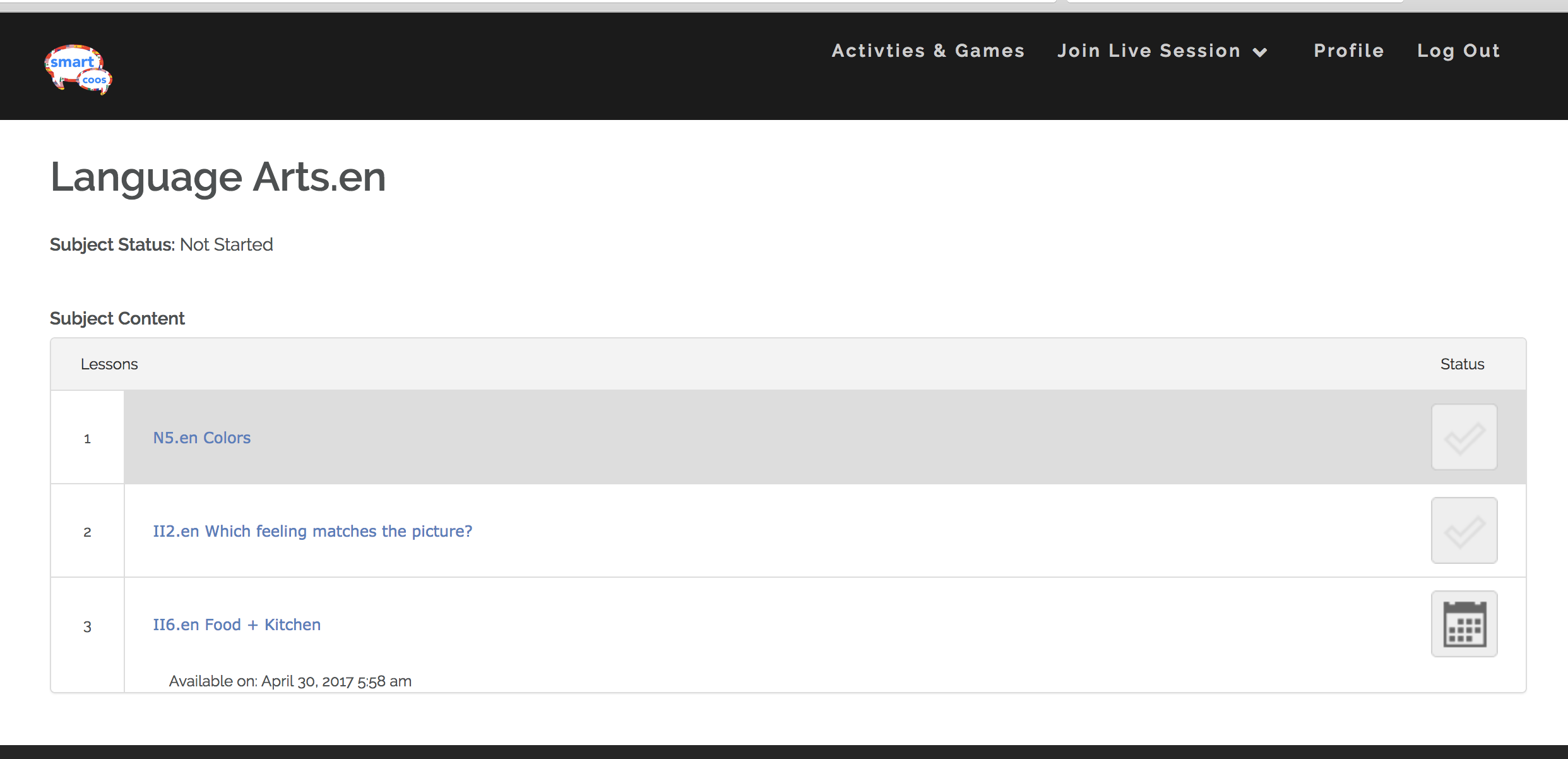
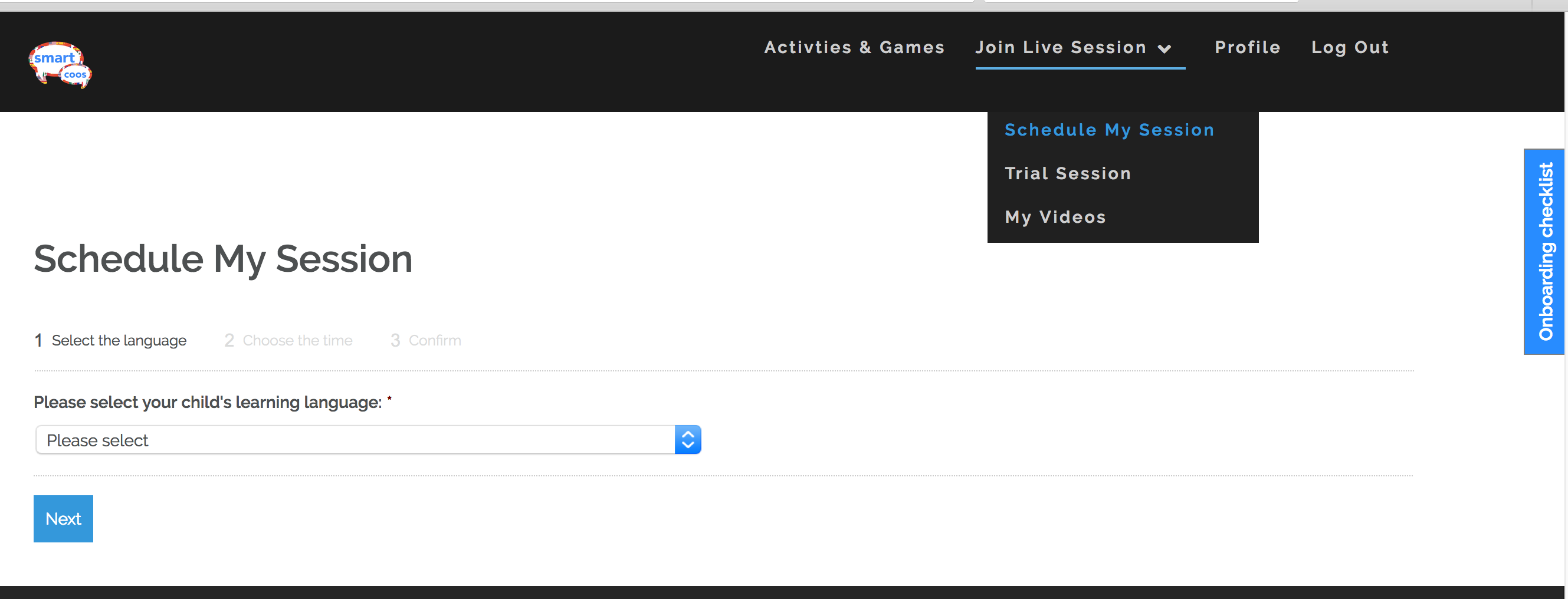
To start the language learning adventure with your little one, schedule your Smart Coos session and explore the "Activities & Games" section.
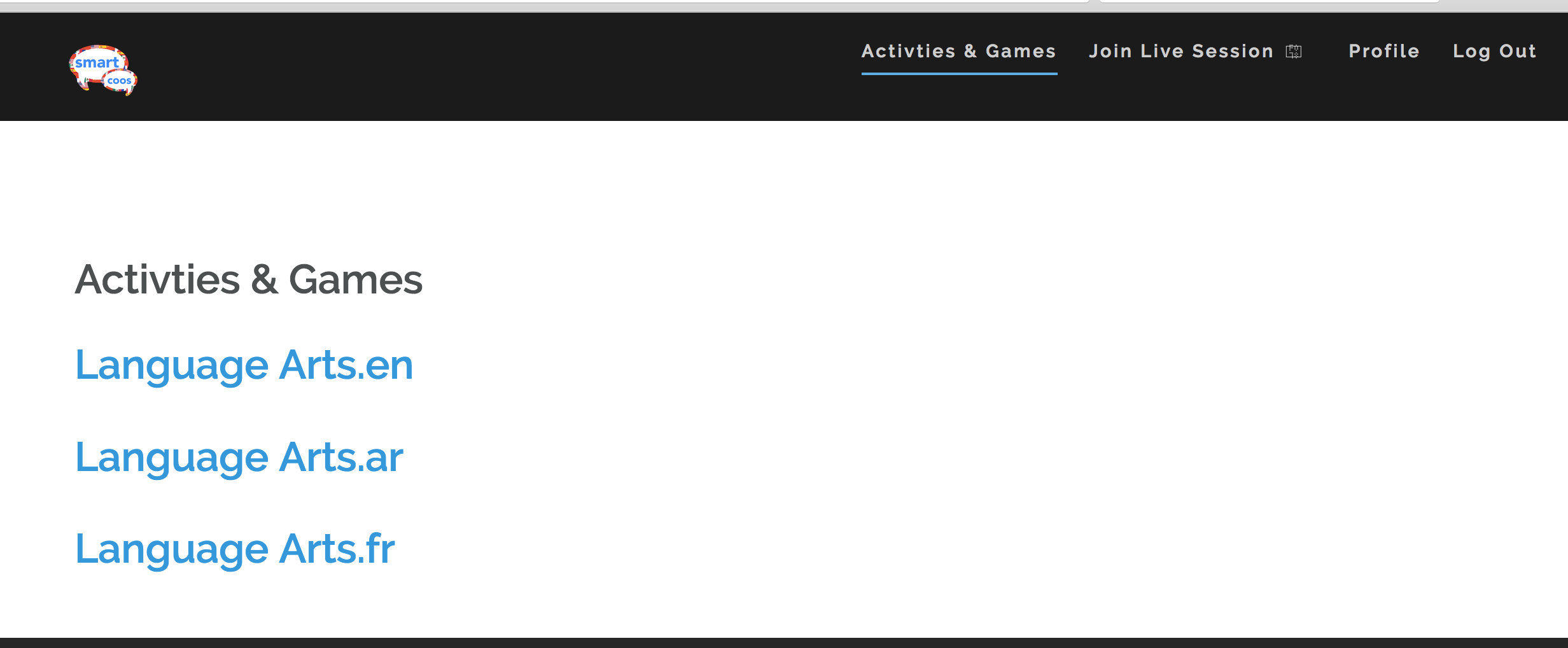


Exploring "Activities & Games."
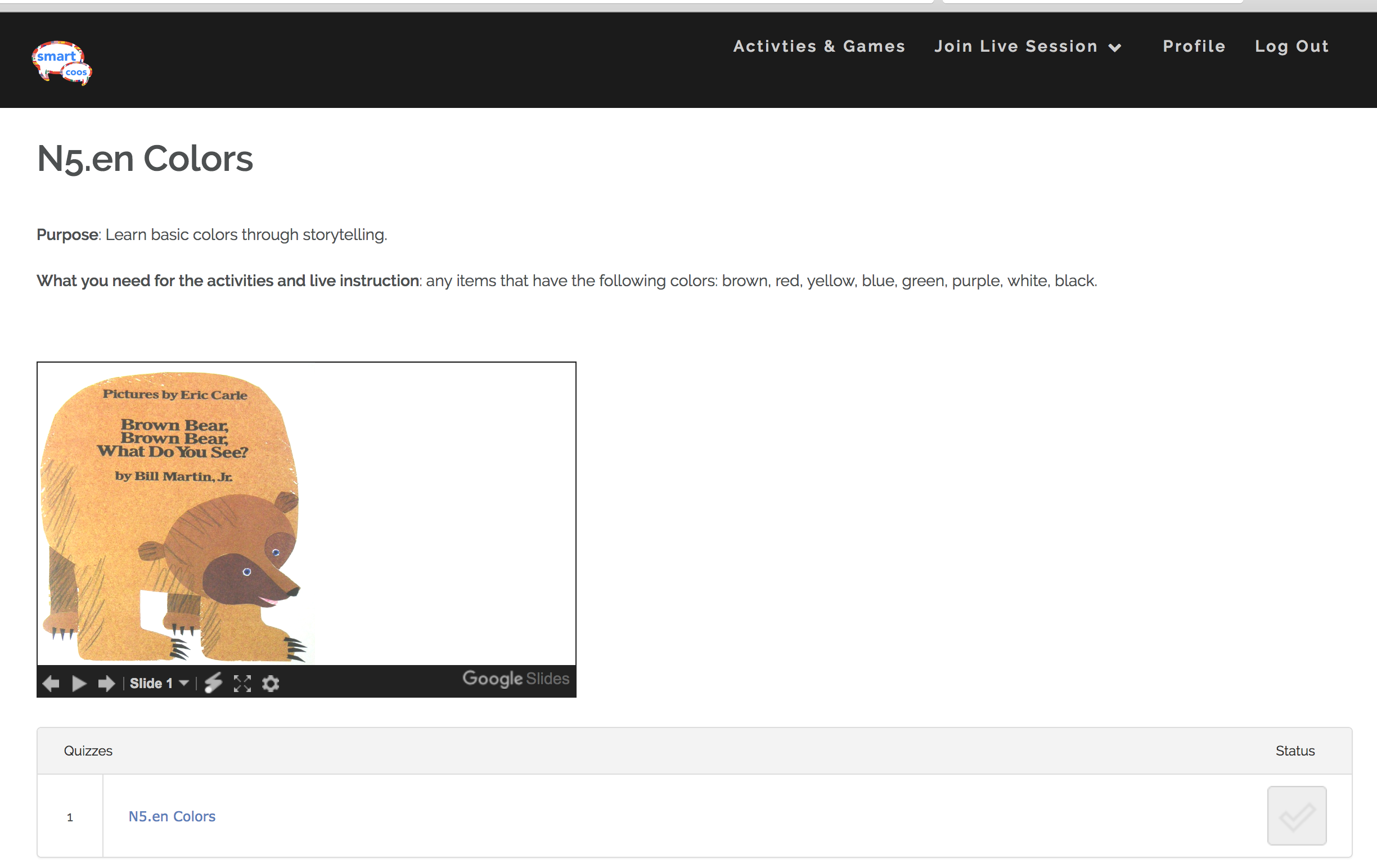
2. Do the lessons with your child,. Click ">" through the content or play the games.
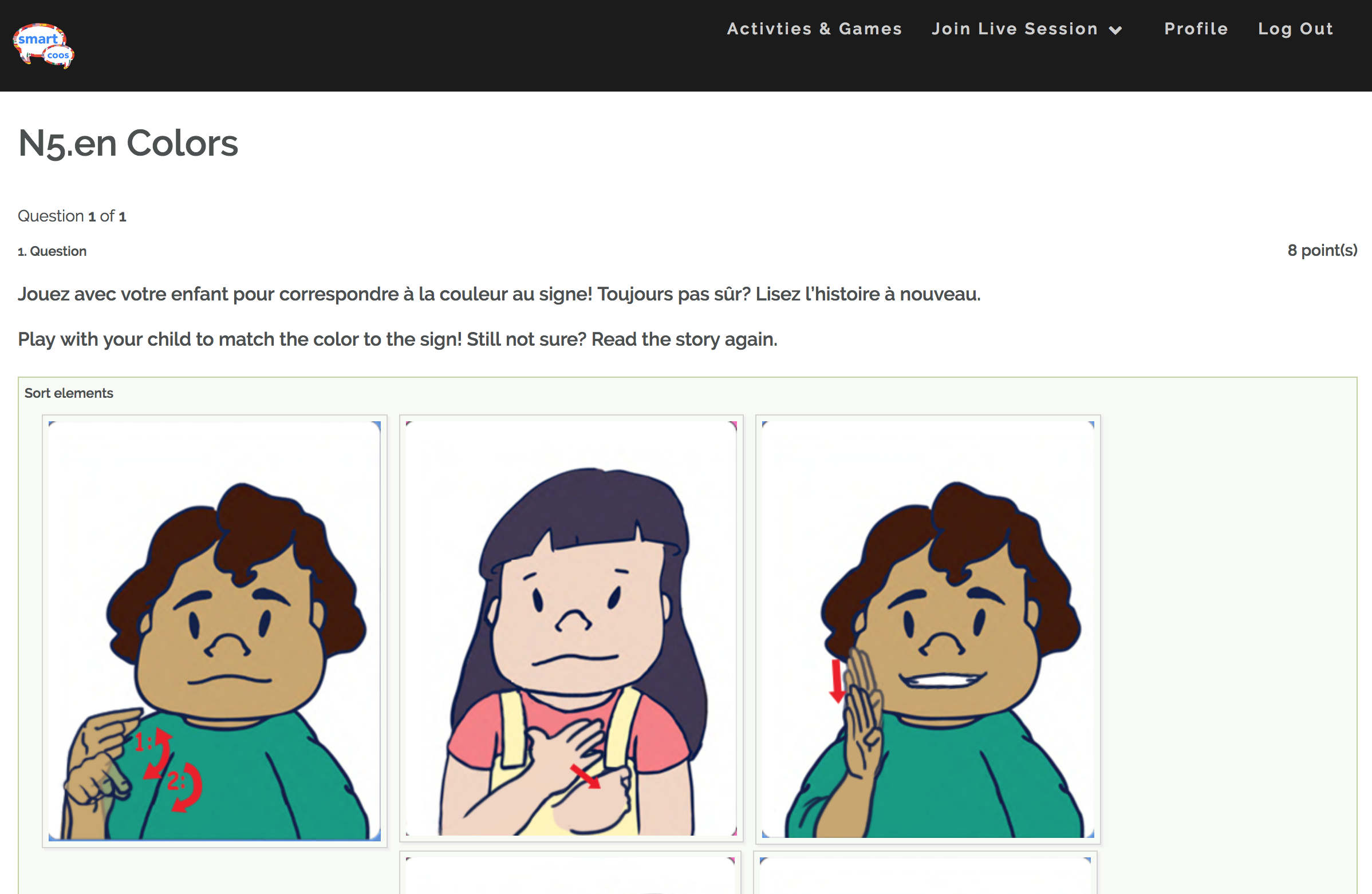
3. Take the quiz with your child.

Joining Your Live Session
Arrive to your live session 15-minutes prior to the scheduled time to ensure that your audio/ vdeo are working properly.

1a. Select Premium Sessions under Join Live Session.
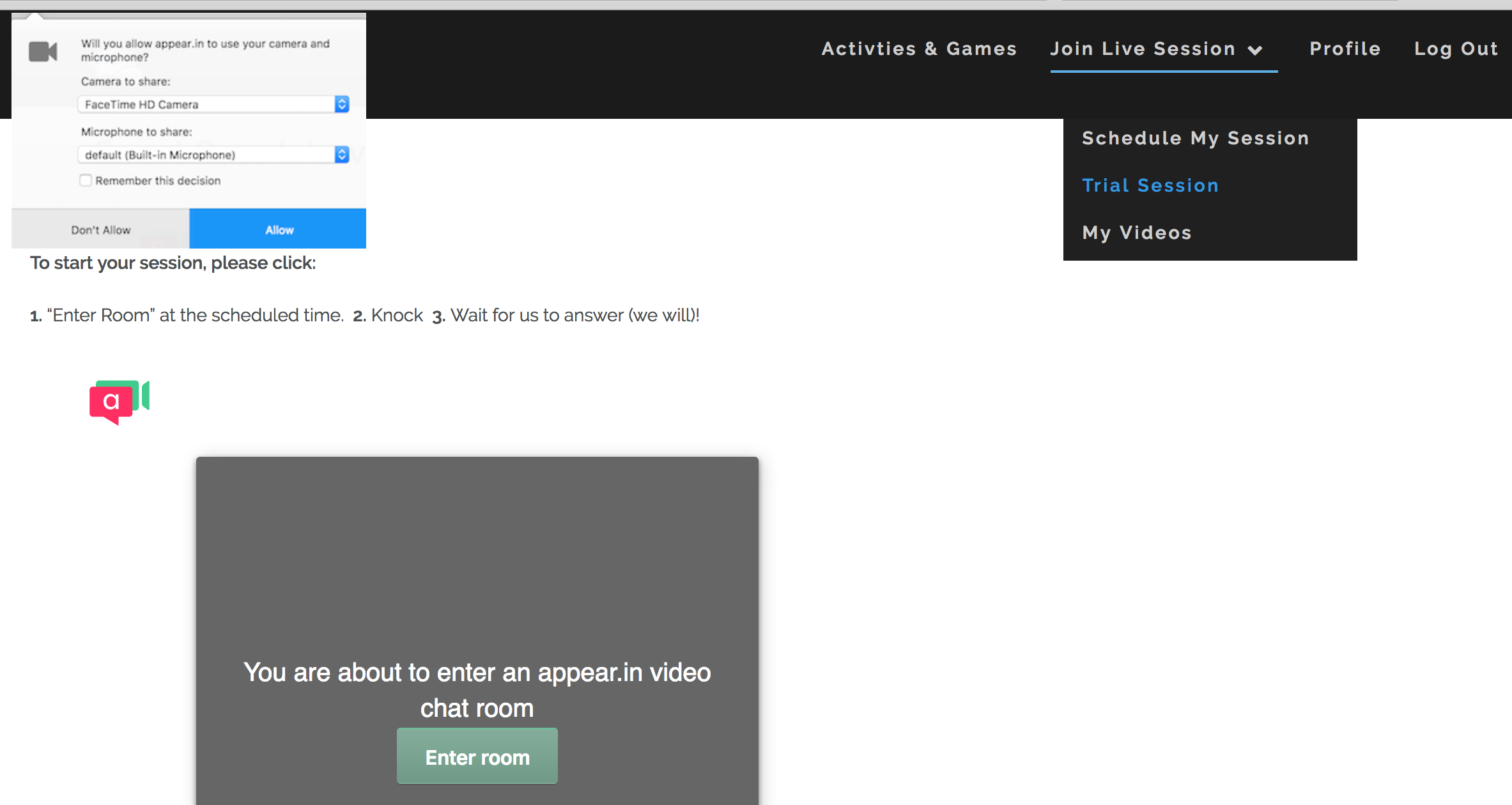
1b. Enter room.
1c. Select the date and time of your session and click on the room link.
1d. In order to use video/audio chat, you will need to click the "Allow" or "Share Selected Devices" button on the popup menu located in your browser's address bar.
1e. Enjoy your session with your little one!
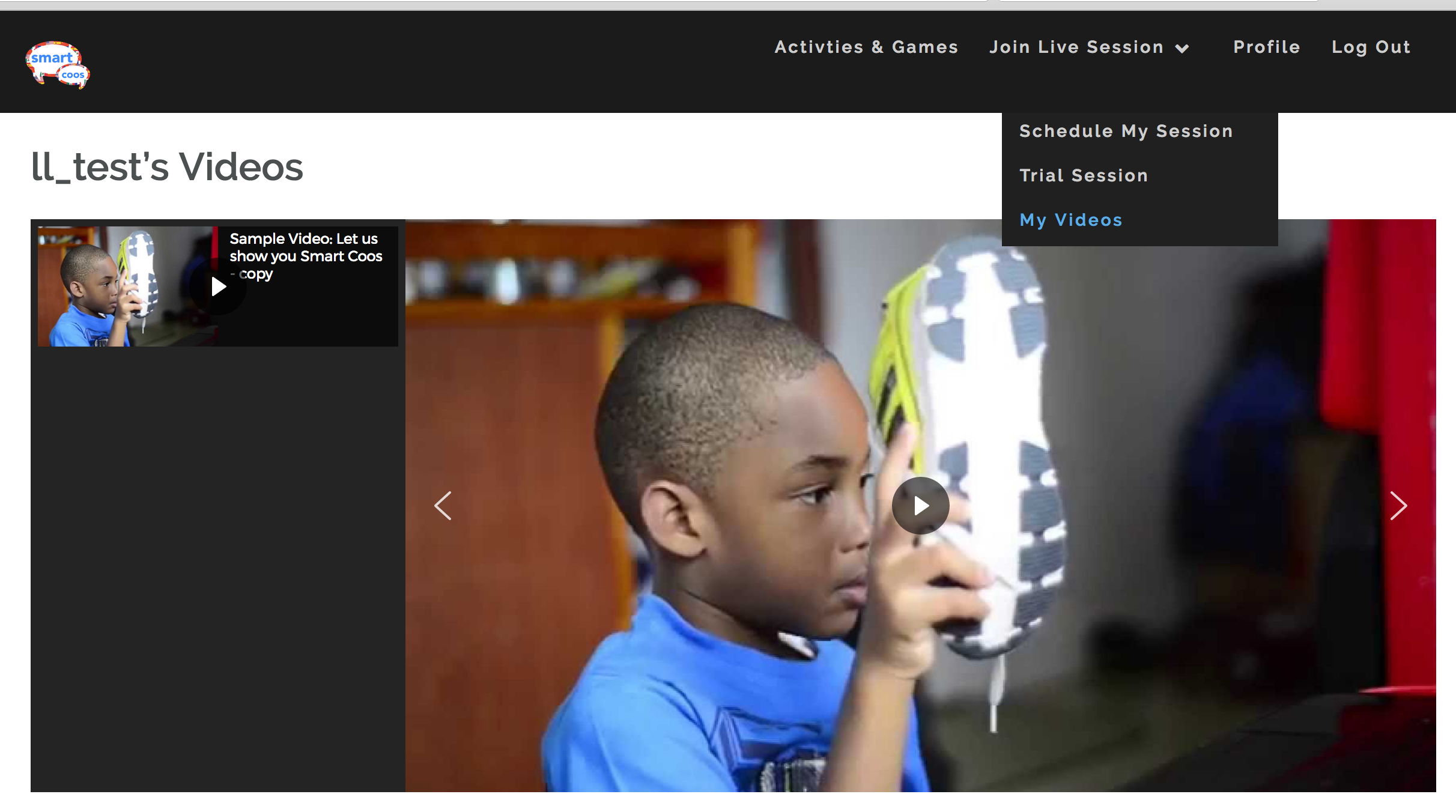
2.) 3 to 5 days after your live session, select "My Videos" to review your class. Watch often to reinforce the live instruction
We're all ears!
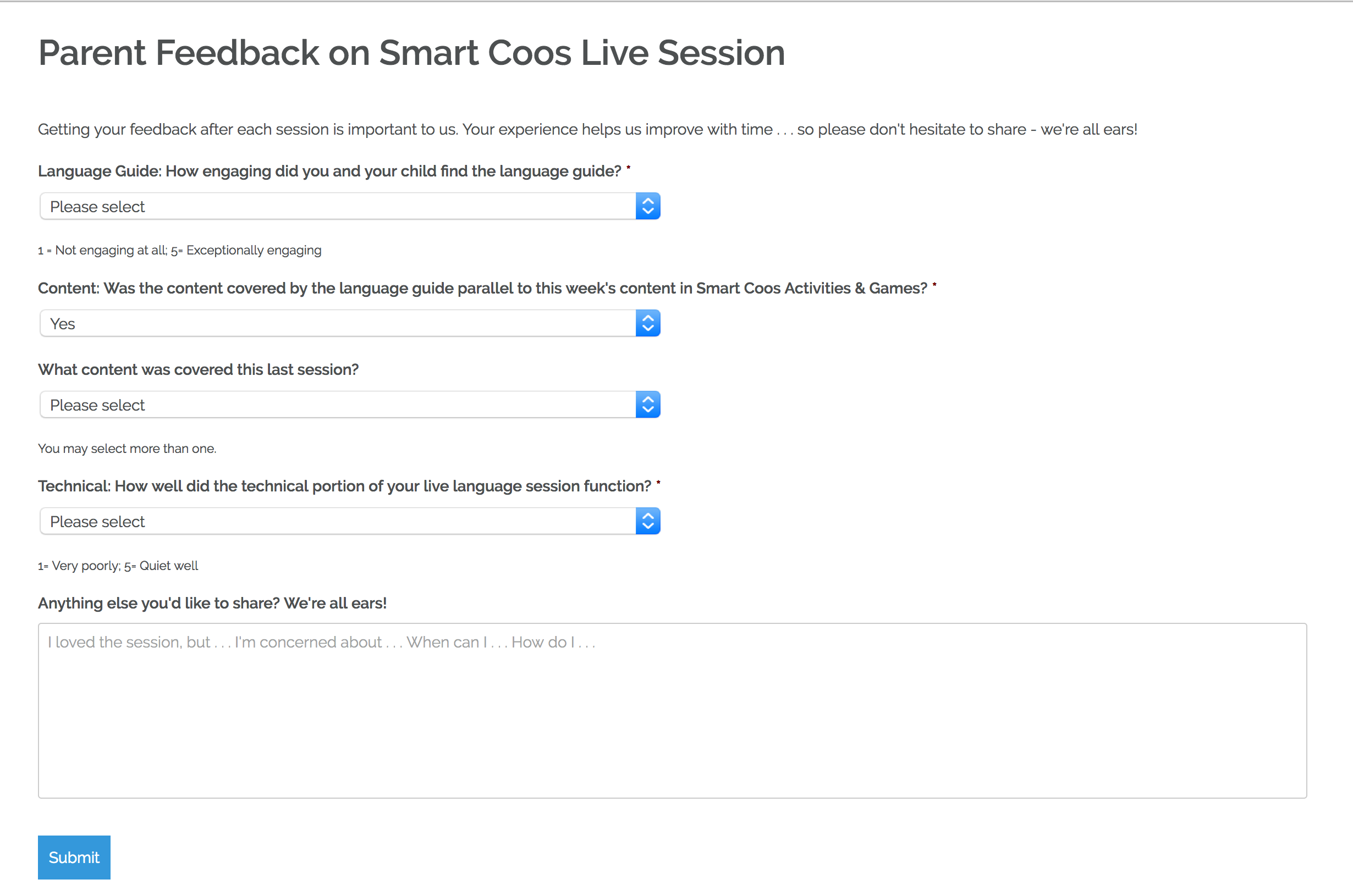
After the session, you will be asked to leave a review and provide feedback on our platform. Please do this before you go so that we can improve it for you and your little one.